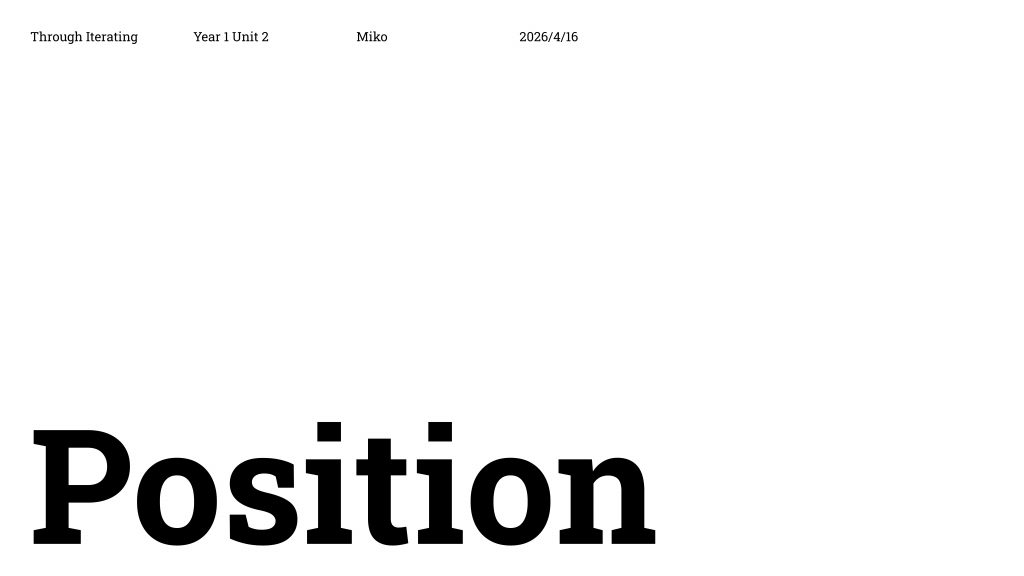
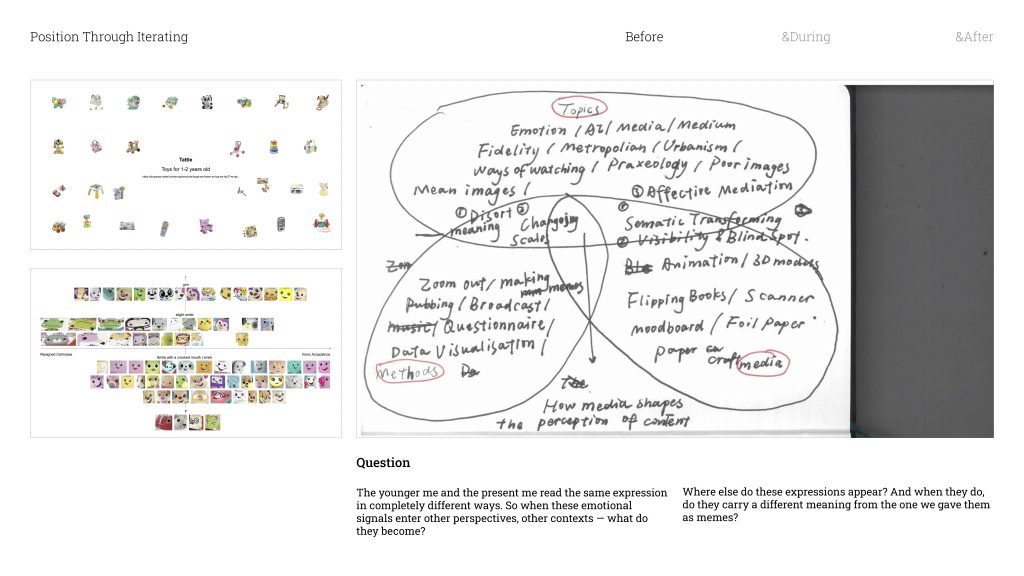
When I looked back at my Unit 1 work through the Venn Diagram, I realised something — all my projects had actually been circling around the same question without me fully noticing. That question is basically: what happens between a medium and the content inside it?
In Methods of Cataloguing, I collected faces from Mattel toy packaging and turned them into memes. And something interesting happened. The expressions that were designed to feel warm and positive for children started reading completely differently to an adult eye. Encouragement became sarcasm. Joy became mockery / ˈmɒkəri /.
And that made me think — the way I would have read these faces as a kid versus how I read them now are completely different things. So the question became: if the same image changes depending on who’s looking at it, what happens when it moves into completely different contexts?
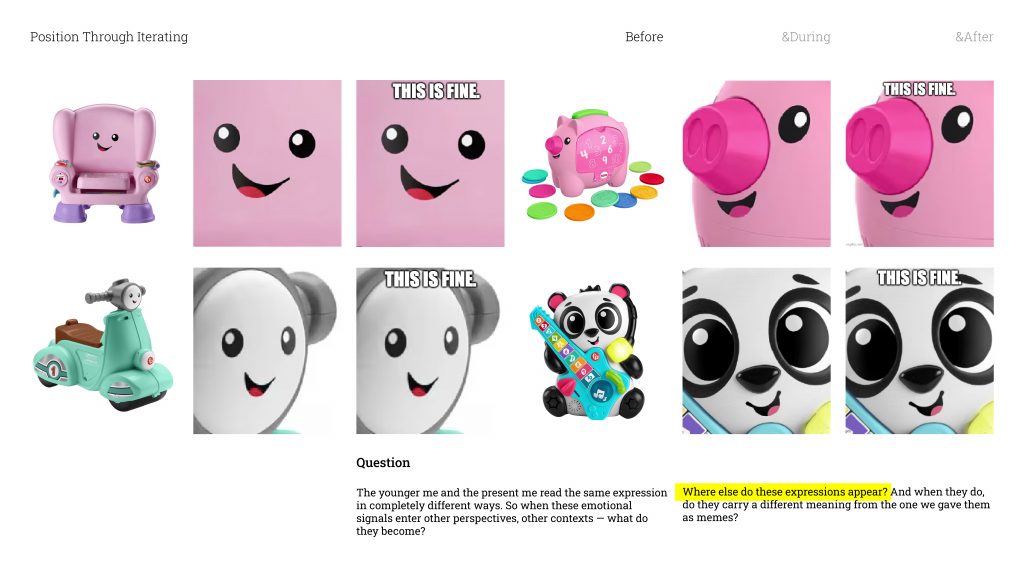
So I started with the most straightforward question I could think of: where else do these expressions actually show up? And when they do, do they get read differently?
When I took one of the smiley faces and put it into a shopping app’s image search. It returned completely unrelated products, different functions, different descriptions, different prices. In the world of that shopping platform, that expression wasn’t a face anymore. It was just a product. it made me realise that every medium has its own internal logic for what an image is and what it means.
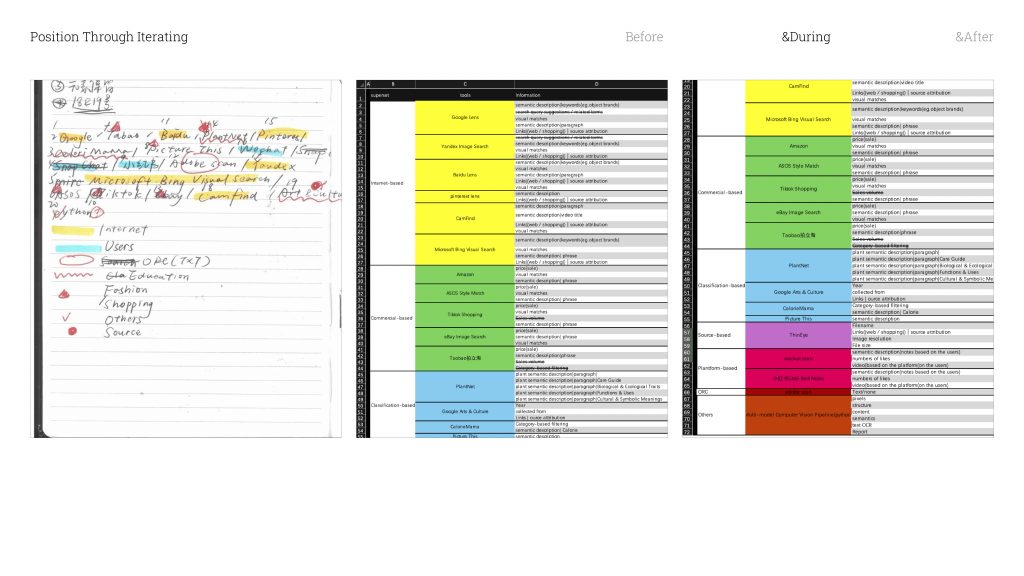
So from there, I started mapping out every image recognition tool I could think of. After going through them and filtering, I landed on twenty tools. And I organised them into seven categories
Let me explain what those categories actually are.
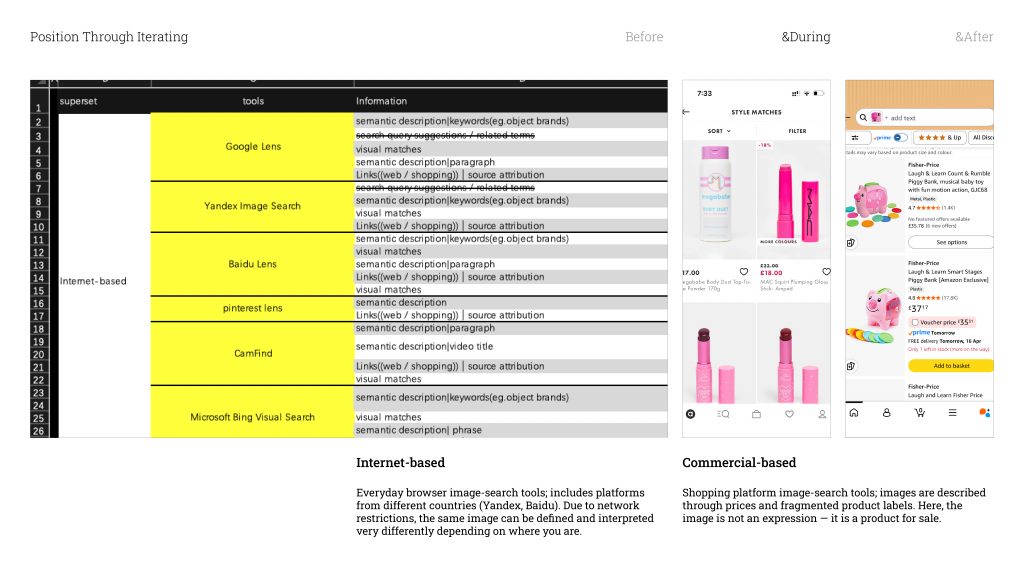
Internet-based is basically the image search in browsers. I chose a few well-known ones, but I also made sure to include tools from different countries — Yandex from Russia, Baidu from China. And the reason is network control. In China, for example, the search results are cut off from images hosted outside the country. So the same image, run through different national browsers, can come back with completely different definitions. The geography of the internet shapes what an image is allowed to mean.
Commercial-based is the shopping platform tools I mentioned. The way these systems talk about images is very functional — prices, fragmented labels, product categories. The image stops being a face. It becomes something with a price tag.
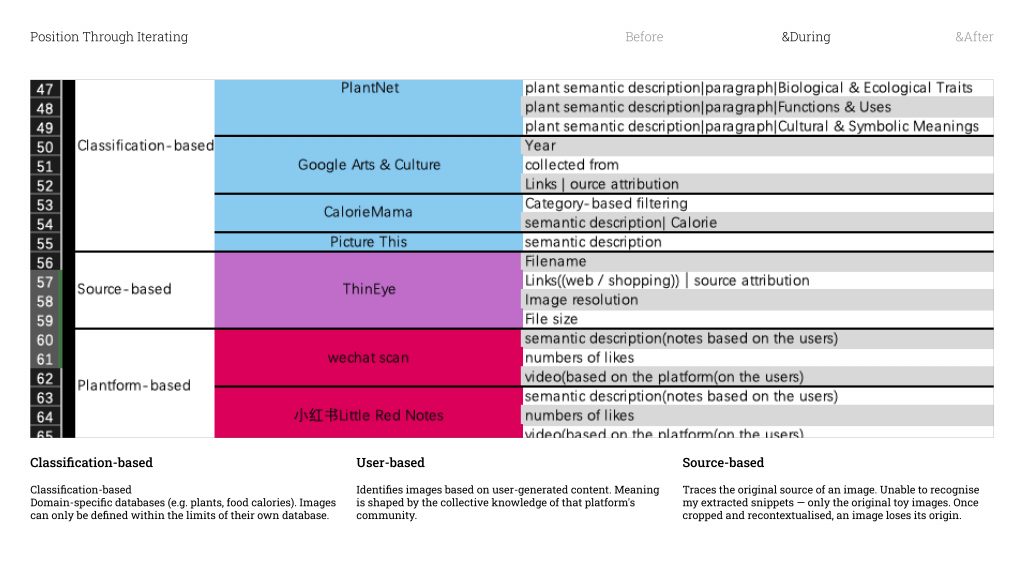
Classification-based tools work from a specific subject database — think plant identification apps, or tools that calculate food calories. To these tools, whatever isn’t already in that database essentially doesn’t exist .They can only define what they already know.
User-based platforms are a bit different — they identify images by cross-referencing what users on that platform have already posted. So the meaning of an image gets shaped entirely by the community. It’s a kind of collective definition.
Source-based tools are designed to track down where an image originally came from. But none of them could recognise my snippets / ˈsnɪpɪt /. They could only trace back to the original full toy images which means once you crop something out and put it in a new context, it loses its traceable origin. It becomes something new.
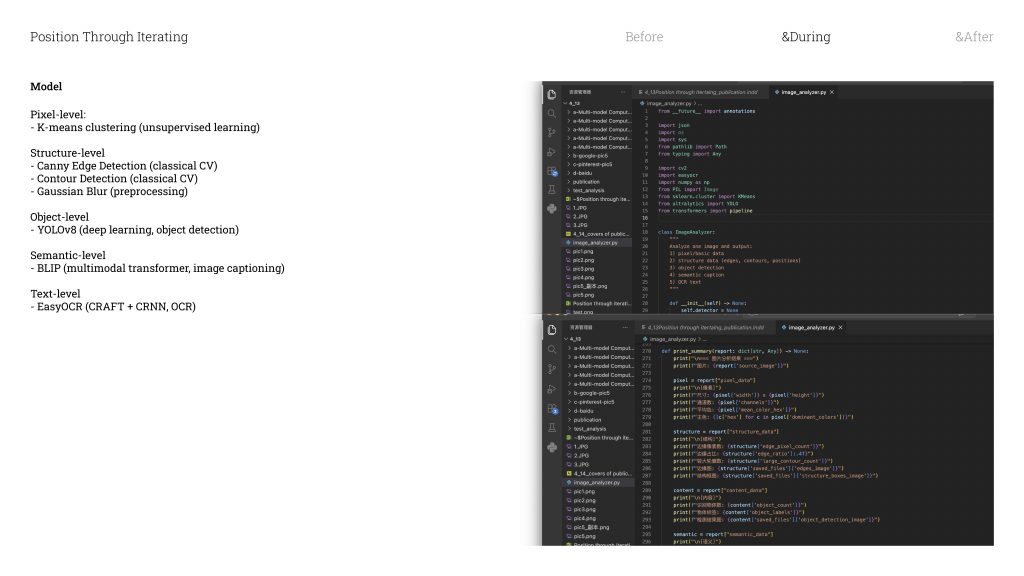
And then the last category is the Python pipeline I built myself. It’s made up of five different models, and each one looks at the image in a different way.
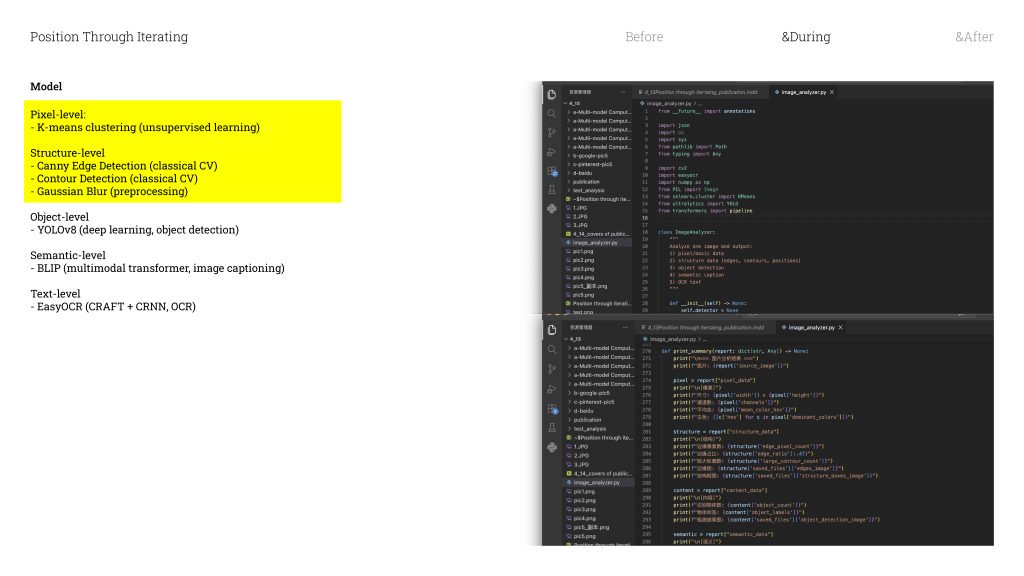
The first is just pixel analysis / əˈnæləsɪs /
— the most basic level. It reads the image purely just as raw numbers.
The second is edge detection. this model is find the places in the image where the shift between light and dark is the most dramatic. It’s not seeing a face. It’s literally just seeing contrast gradients.
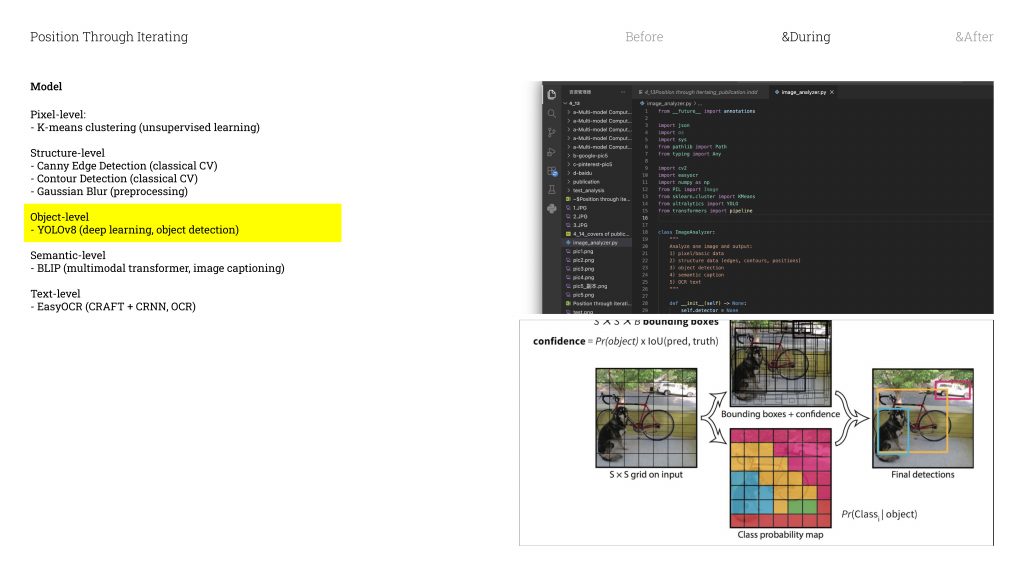
Then there’s YOLO, which stands for You Only Look Once. It divides the image into a grid of tiny cells, and every single cell simultaneously
/ ˌsɪm(ə)lˈteɪniəsli / asks itself: is there an object here? And if there is — what does it look like most? And then it choose the highest probability answer .
What makes YOLO different from the other tools is that it’s not searching through a catalogue for a visual match. It’s reading the overall impression of the image. It’s kind of like how you recognise a dog — you don’t count its legs or measure its ears, you just know, because you’ve seen enough dogs that it becomes instinctive
/ ɪnˈstɪŋktɪv /. It works the same way. After being trained on millions of images, it develops something like its own visual intuition / ˌɪntjuˈɪʃ(ə)n /
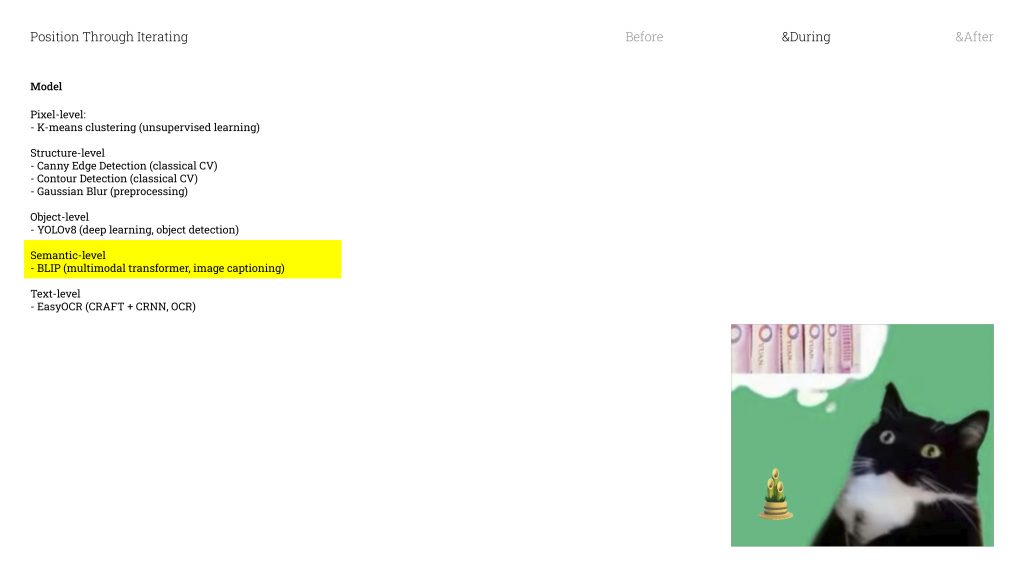
Next is Captioning. This model takes the visual features it detects and uses probability to turn them into a natural language sentence. It’s not actually understanding the image in any meaningful way — it’s calculating which combination of features most likely produces a certain description. So take this image on the left: it’s a black-and-white cat with bamboo emoji. The model detects animal shape, black and white tones, bamboo. And in its trained system, that combination of features points most strongly toward panda. So it outputs: panda. Even though we’re looking at a cat.
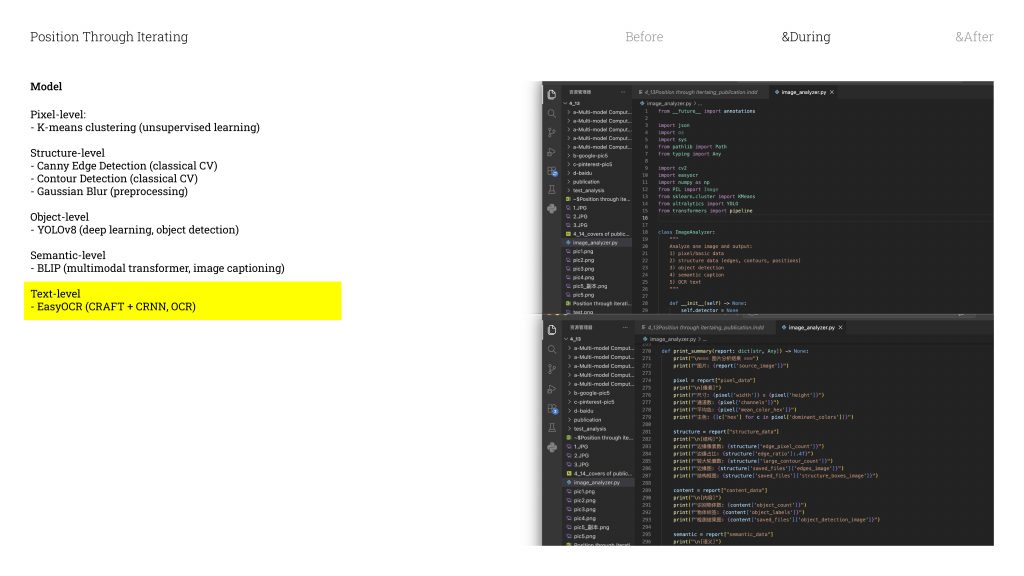
The last model is OCR — which converts images into text. It works similarly to something like Adobe Scan.
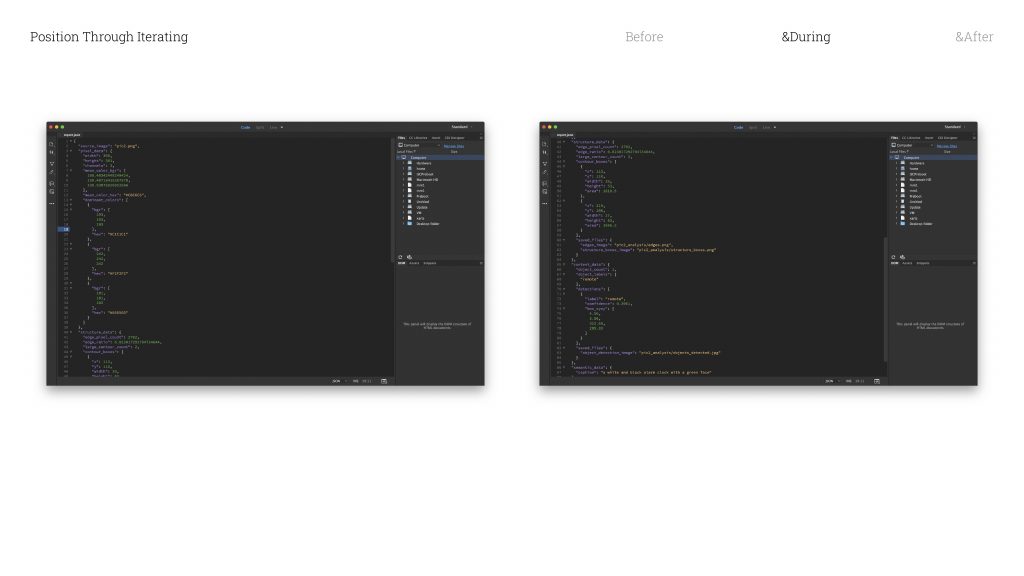
Once an image has been through all five models, the pipeline generates a report. And that report is essentially the combined “opinion” of these five systems. It is what they collectively think the image is.
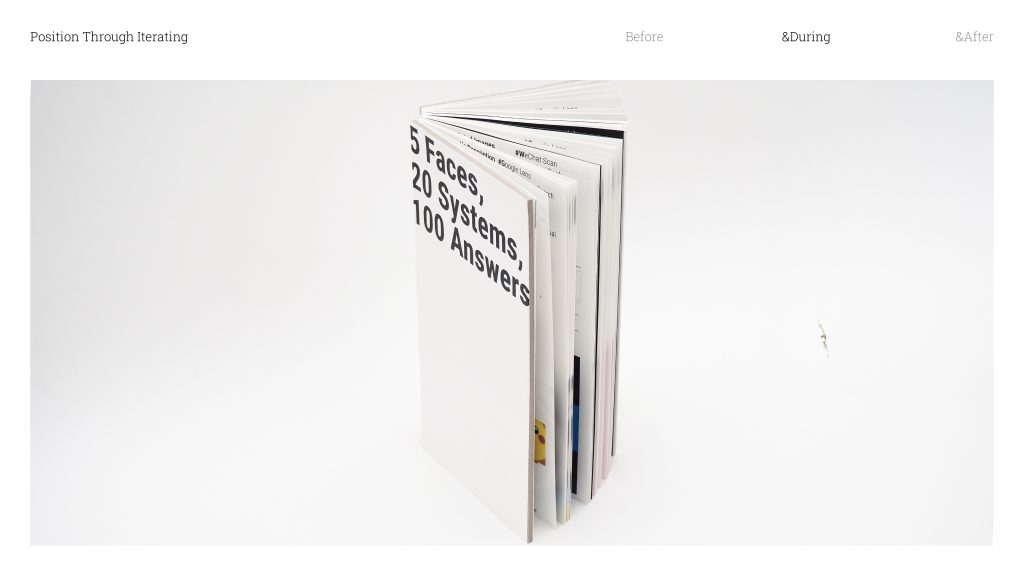
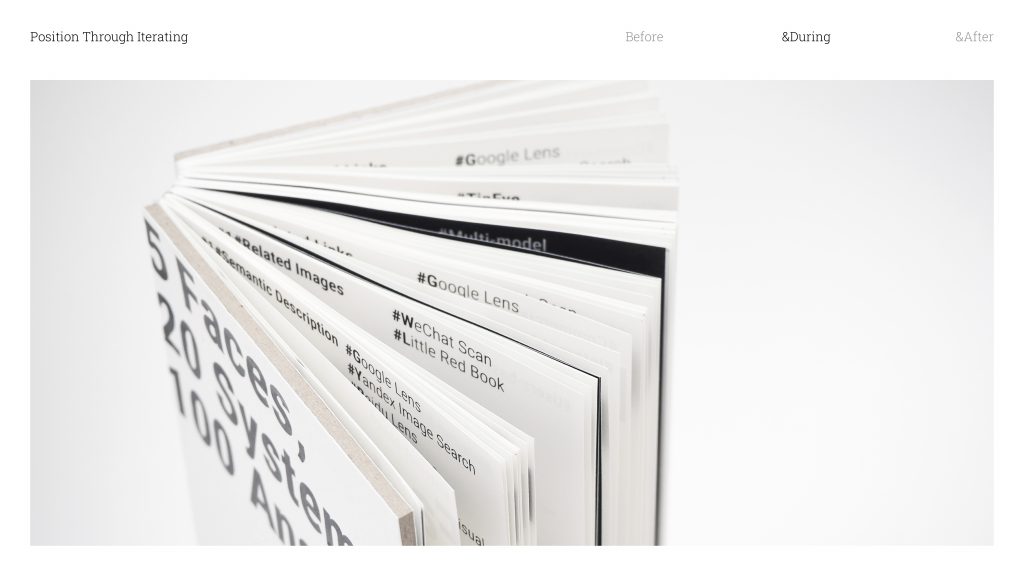
So I took my five snippets and ran each of them through all twenty tools. That gave me one hundred iterations in tota. I organised all of that by tool category, and used that structure as the framework for the publication.
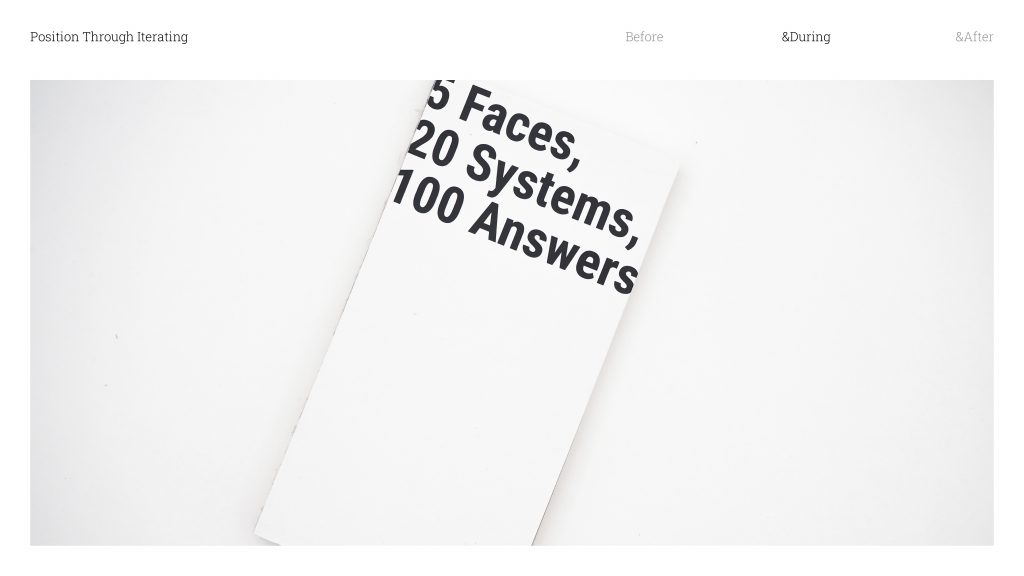
And this is what the book ended up looking like.
Leave a Reply